Answers, not fine print.
What to know about the trial, subscriptions, platforms and live preview.
QUESTIONS & ANSWERS
Good questions. Clear answers.
Everything to know about trying, subscribing and using AetherMail on each platform.
Is there a permanent free edition?
No. There is no separate Free tier. You can trial all Ultimate features for 30 days, then choose monthly or annual billing.
What changes between monthly and annual?
Both include the full Ultimate feature set. Monthly costs $4.99 per month and annual costs $49.99 per year.
Do I need a separate subscription for each platform?
No. A single Ultimate subscription covers the editions as they are released, without separate platform-specific subscriptions. Activation and device policies follow the license agreement.
Which operating system is available right now?
Windows Desktop is the only currently available edition. macOS, Android, iPhone/iOS, Linux and Web editions are planned and have not yet launched.
Can I try the browser demo now?
The Live Demo button is visible, but the interactive preview is not ready. Clicking it displays a Coming Very Soon message. You can explore real app screenshots in the gallery.
How do I download the app?
Use the Windows download button. Until an official direct installer link is added, the site offers an official contact option to request your copy.
Do screenshots change with site language?
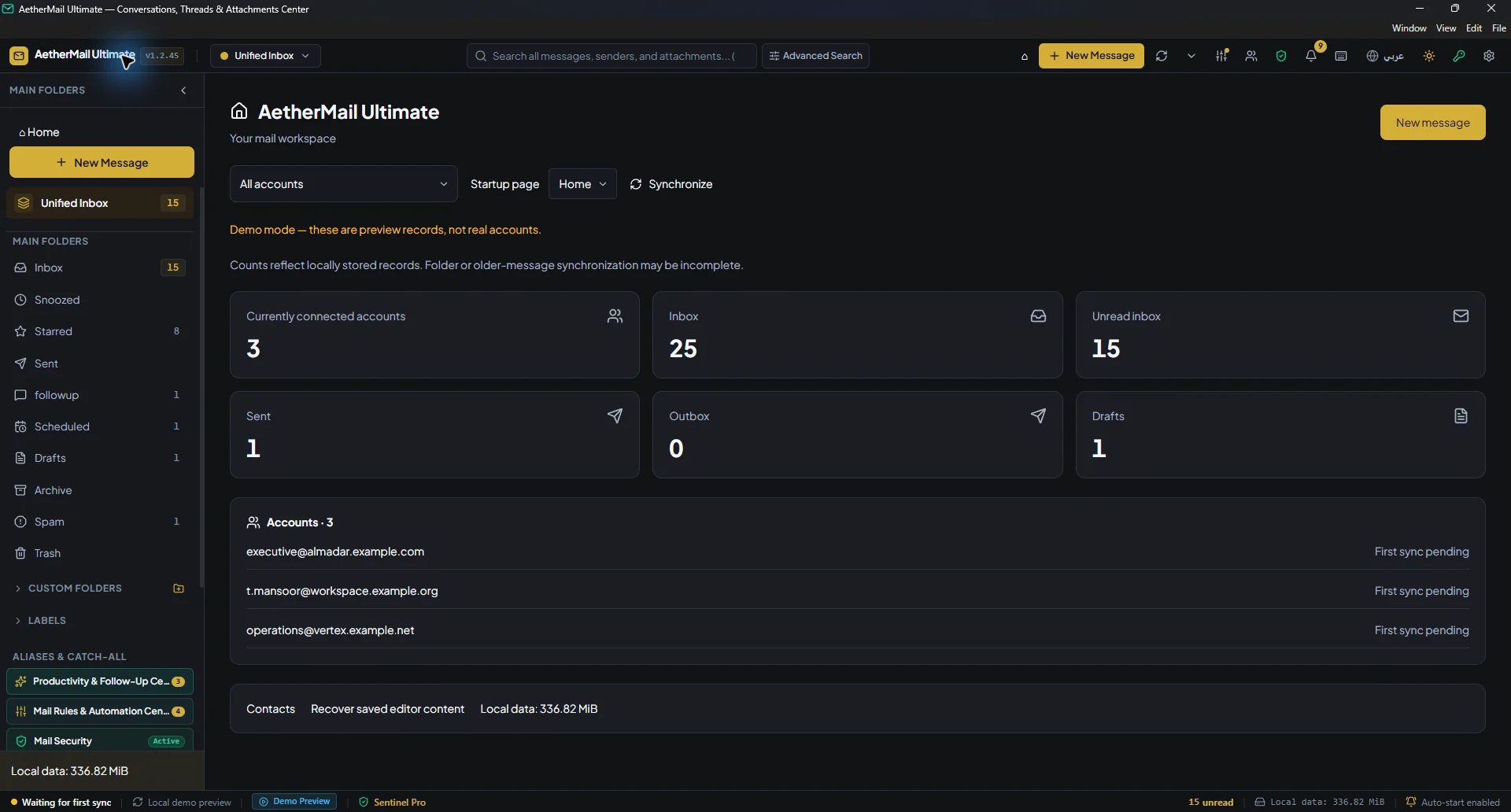
Yes. Arabic pages show the Arabic app interface, while English pages display the matching English interface.
Does it support multiple mail accounts?
The application is designed to organize multiple accounts and shows different providers. Actual provider connectivity depends on the available connection method and setup.
Your free 30-day trial starts automatically when you download and use the application. No support request is needed.