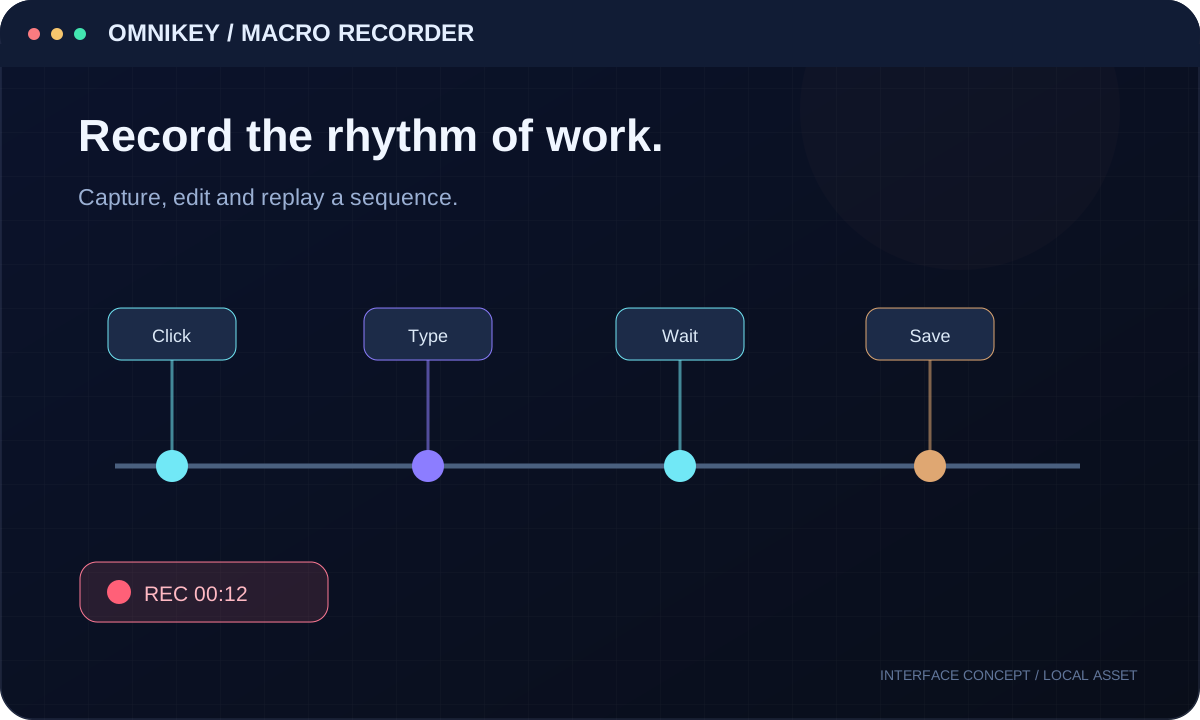
Project in development — a preview of the website and application before completion.

OMNIKEY / MACROS
Turn a gesture into a repeatable routine.
Explore editable macro recordings, timeline controls and advanced scripting surfaces.
MACRO TIMELINE
Record a tiny demo timeline.
This demo records only clicks on the controls below. It does not watch your keyboard or mouse outside this page.
Demo macroReady
Real macro execution belongs in the Windows app; this is an interactive illustration.
ADVANCED WORK
Capture. Refine. Reuse.
- Editable timing and playback speed
- Loops, cleanup and replay controls
- Convert steps to a workflow or script
- Command surfaces for CMD, PowerShell and AutoHotkey in product scope